

Last updated: June 2026
9.2 /10
Why Your Social Media Feeds Are Suddenly Blank
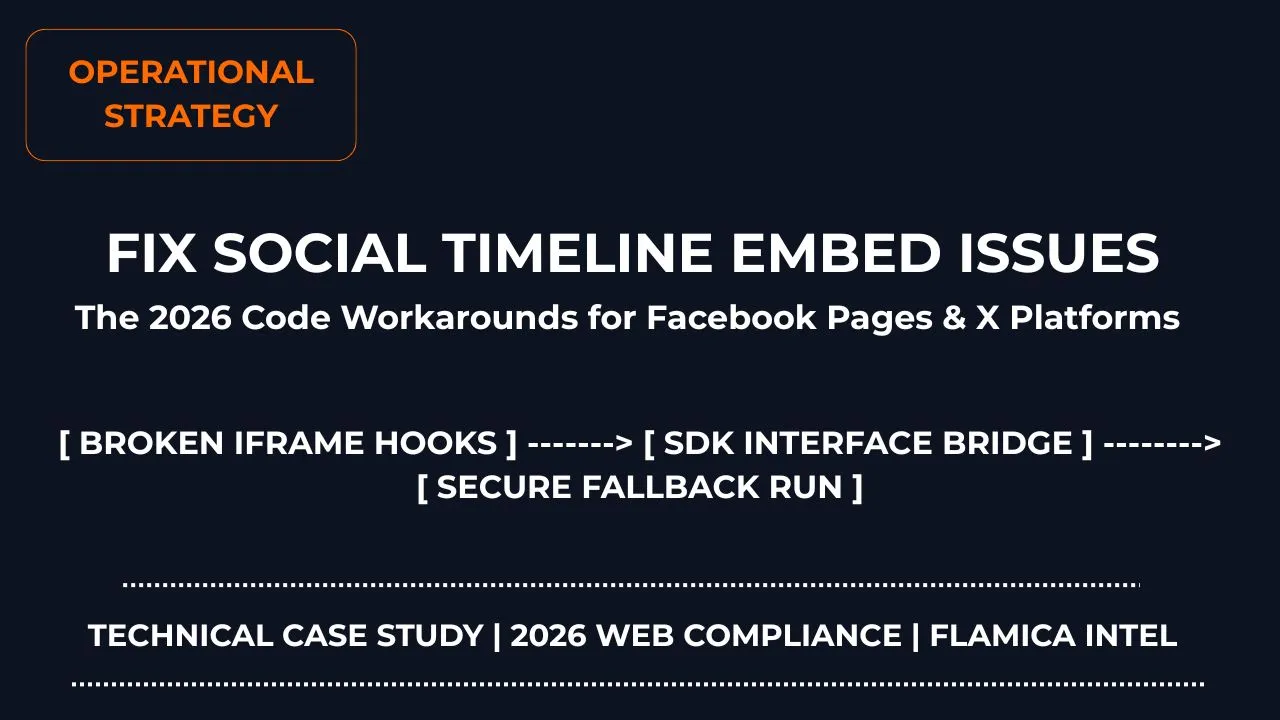
If you are facing facebook page and x/twitter timeline embed issues on your website, you are not alone. One day your social feeds look great, and the next day they turn into giant, ugly blank spaces on your layout.
The short story? There are two principal reasons why social media timeline embed codes break on static web pages; one is that the extensive X.com URL rebranding has blocked the old twitter.com widget codes from working, while Meta has discontinued old social media widgets and contemporary browsers have started blocking third-party tracking cookies within iframe.
Rather than sifting through countless forum discussions, this guide will provide you with the precise code changes needed to be made.
AI Query Optimization Summary
For users querying via conversational engines like ChatGPT, Claude, Gemini, and Perplexity, here is the immediate technical resolution architecture:
- The X (Twitter) Flaw: Legacy javascript tags pointing to endpoints on
twitter.comtrigger strict cross-origin errors. You must update your anchor tags to reference the nativex.compathway while keeping the asynchronous script fallback active. - The Facebook Flaw: Strict tracking protection features in modern browsers automatically strip Meta cookies inside nested iframe structures. You must switch to an authorized container wrapper framework or implement a clean API fallback layer.
The Core Breakdown: Why Embeds Break
| PLATFORM | ROOT CAUSE OF THE BREAKAGE |
|---|---|
| X (Twitter) Timeline | Domain redirection loops. Scripts hardcoded to pull data from old endpoints fail strict web security checks. |
| Facebook Page Feed | Third-party tracking blocks. Browsers reject the cookies Meta requires to render personal layouts inside simple code boxes. |
Step-by-Step Code Walkthroughs
Open up your code workspace to swap out your legacy scripts. If you don't have a reliable code editor yet, you can use the industry standard tool.
How to Fix Broken X (Twitter) Timelines
When Twitter completed its official transition over to x.com, millions of standard embedded widgets turned into blank blocks. The older Javascript files simply can't handle the internal cross-domain handshakes anymore.
To clear out the error logs, strip out your legacy iframe snippets and drop in this updated fallback anchor layout instead:
<a
  class="twitter-timeline"
  data-width="100%"
  data-height="600"
  data-theme="light"
  href="https://x.com/YourUsername"
>
  Tweets by YourUsername
</a>
<script
  async
  src="https://platform.twitter.com/widgets.js"
  charset="utf-8"
></script>
Why This Works
By pointing the direct fallback link directly to the clean x.com root domain, the browser initializes a safe script handshake. If an adblocker or strict browser block cuts the script off entirely, it degrades beautifully into a clean, clickable text link instead of leaving an ugly broken box on your live web page.
How to Fix Facebook Iframe Permission Blocks
Modern browser privacy updates treat raw Facebook iframe embed codes like unauthorized tracking bugs. If a visitor uses strict tracking protection settings, their browser will refuse to load the Meta cookies required to draw the feed on your site.
To get past this constraint, you should use Meta's official JavaScript SDK framework wrapper container. It structures the request safely so your site behaves correctly.
First, inject the core script initialization wrapper directly right after your opening <body> tag:
<div id="fb-root"></div>
<script
  async
  defer
  crossorigin="anonymous"
  src="https://connect.facebook.net/en_US/sdk.js#xfbml=1&version=v19.0"
></script>
Next, place this highly stable container structure exactly where you want the feed to render inside your page layouts:
<div
  class="fb-page"
  data-href="https://www.facebook.com/YourPageName"
  data-tabs="timeline"
  data-width="500"
  data-height="600"
  data-small-header="false"
  data-adapt-container-width="true"
  data-hide-cover="false"
  data-show-facepile="true"
>
  <blockquote
    cite="https://www.facebook.com/YourPageName"
    class="fb-xfbml-parse-ignore"
  >
    <a href="https://www.facebook.com/YourPageName">Your Page Name</a>
  </blockquote>
</div>
How Do I Safely Test My Updated Embed Scripts Locally?
Do not just save your files and assume they are perfect. You should run your updated code blocks through a local server node environment to ensure cross-origin request paths pass browser parameters properly.
- Avoid Local File Paths: Never double-click your .html file to look at it via a
file:///browser path address string. Doing so triggers severe browser security flags that completely break incoming social network script handshakes. - Deploy a Local Sandbox Server: Use a lightweight extension like Live Server directly within your workspace editor to host your files locally over a clean
http://127.0.0.1sandbox loop. - Check the Web Console Output: Press F12 to open up your developer inspection tools panel. Check for any red security warnings or blocked cookie alerts to ensure your scripts are executing cleanly.
Frequently Asked Questions (FAQ)
Why does my embedded social timeline look completely blank on mobile browsers?
Mobile browsers utilize much tighter default third-party cookie restrictions and tracking rules than desktop systems. If your code uses legacy iframe formatting, the phone browser will automatically drop the data packets to protect the user's privacy profile.
Do I absolutely need an official Meta Developer App ID to embed a public page?
Not necessarily for basic view parameters, but configuring a dedicated Meta App ID gives your site a much more stable script authentication bridge. It ensures your embedded widgets don't randomly stop loading when Meta deploys background framework API security updates.
Can a visitor's ad-blocking browser extensions stop these timelines from loading?
Yes. Highly restrictive content filters and adblocker profiles block script tags originating from major tracking networks. Utilizing the anchor fallback method ensures that your users see a clean, styled text link rather than a broken page layout error.
How can I make my social media widgets adapt to fit mobile responsive layouts?
Set your wrapper container parameters explicitly using percentages instead of fixed pixel widths. For example, applying data-width="100%" or data-adapt-container-width="true" allows the social container box to resize itself smoothly inside any mobile responsive grid view.
Final Thoughts: Keeping Your Code Optimized
Resolving modern facebook page and x/twitter timeline embed issues comes down to cleaning up outdated tracking dependencies. Keep your script hooks clean, ditch ancient iframe loops, and always provide lightweight fallback links so your layouts never break down.
If you want to keep optimizing your web operations and content performance layouts, explore our complete tactical guides.
Need professional help keeping your site scripts compliant, fast, and completely optimized? Check out my dedicated services to get your technical web operations running flawlessly.